Share the latest view without sending another deck.

Publish a selected financial view for leaders or partners, so they can return to the numbers you intend to share without getting access to the whole workspace.

A useful finance update doesn’t have to be a new attachment. Give the audience one view they can return to.

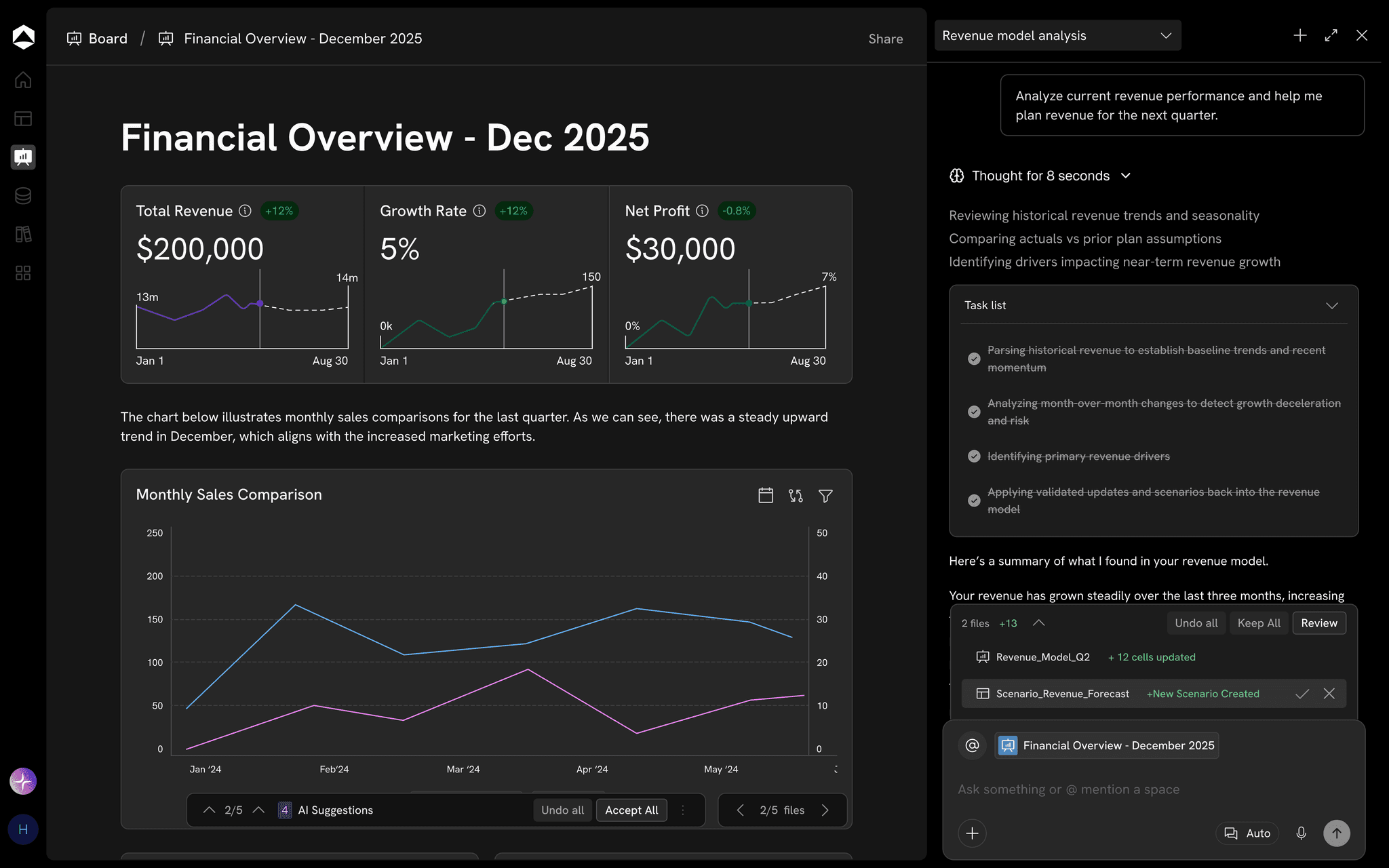
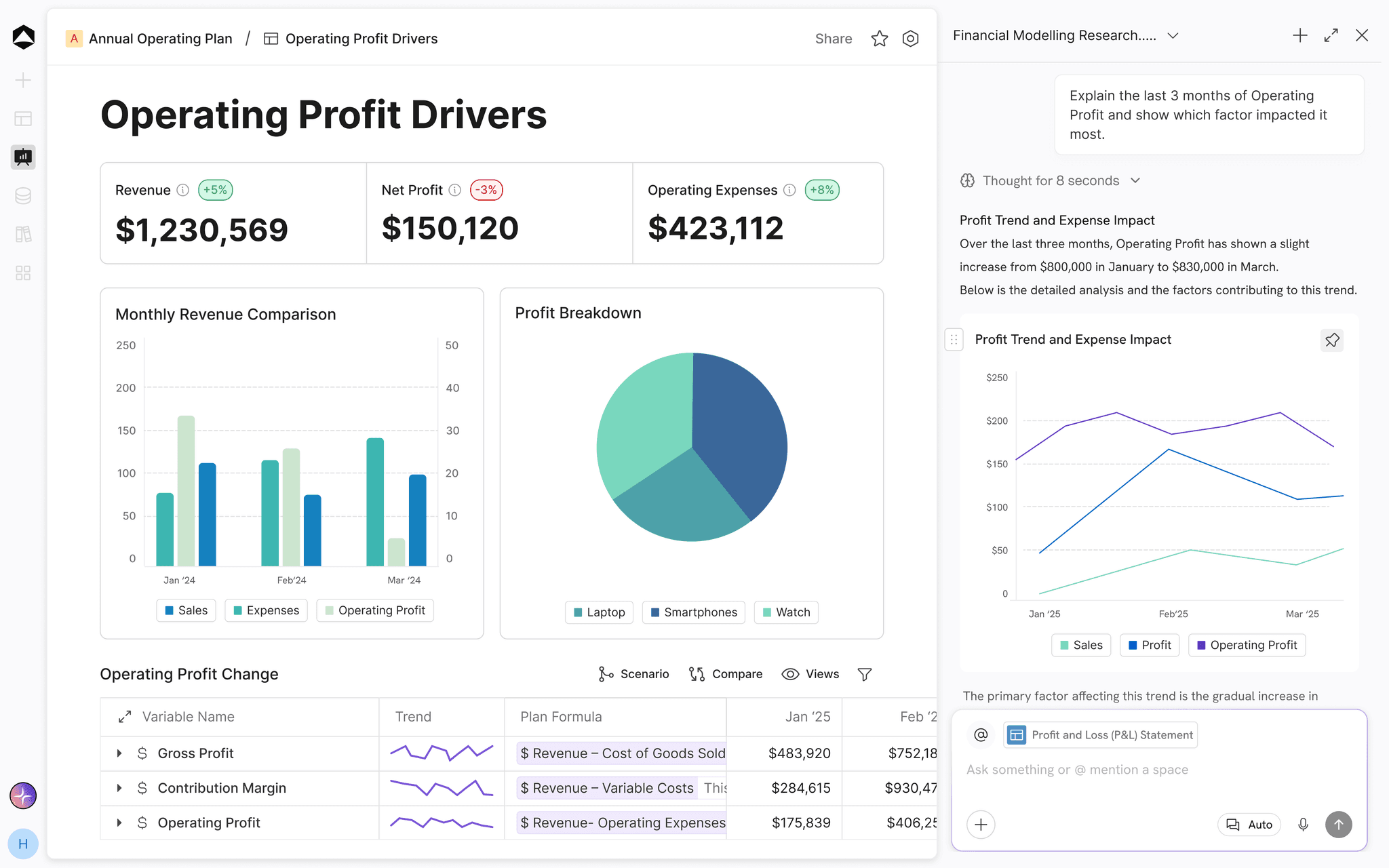
An Oculon board showing operating profit metrics and charts.

A board ready to share: the same live numbers, scoped to the audience.

HOW IT WORKS

Sharing reports
outside the workspace.

A useful update is one your audience can revisit with its context intact.

01 / Shape the view

A link, not a deck
Shaped for the audience

Build a board or investor view around the key metrics and explanations rather than exporting every table in the model.

  • Key metrics with their explanations
  • Built for a board or investor audience
  • No full-model export
02 / Bring the work to them

Always current
Same link, new numbers

Share a link that reflects the intended financial view without requiring the recipient to hunt for the latest file.

  • One link to the current view
  • Figures that follow the model
  • No new attachment each month
03 / Share with intent

Share deliberately
Audience, expiry and detail

Select the rows, dimensions and detail the audience can see while keeping the rest of the finance workspace private.

  • Rows, dimensions and detail chosen per audience
  • The rest of the workspace stays private
  • Access set before you share
IN PRACTICE

Built for the work
that matters.

LLeadership/Management Review · LiveEdited just nowShare

Management review

Published · updates with the model · no exports

ARR+4% QoQ$24.6M
Net retention+2 pts112%
Burn−6%$1.2M / mo
Runway26 mo
ARR by month ($M)MayJunJulAugSepOctARR
Shared with
AudienceAccessViewed
LeadershipViewToday
Department headsView · own deptYesterday
BoardPublished linkMon

Published once and live with the model. No exports, and each audience sees only what it should.

For Leadership teams · A management review · Give leaders a shared picture of the business.Illustrative example · sample data

FAQs

Who can we publish to?

Anyone who needs the view: leadership, department heads, the board or investors. Each published view carries its own access.

How is Publish different from Artifacts?

Artifacts shape analysis into a deck, memo or narrative. Publish shares a live view of the work that stays current with the model.

Can people see more than we intend?

No. A published view exposes only the rows and columns you choose, and drill-down stops wherever the viewer’s access ends.

Page preview · This destination is not built in the local prototype yet.