Use cases · Oculon for Scenario Planning
Scenario PlanningCompare the upside. Keep the costs in view.
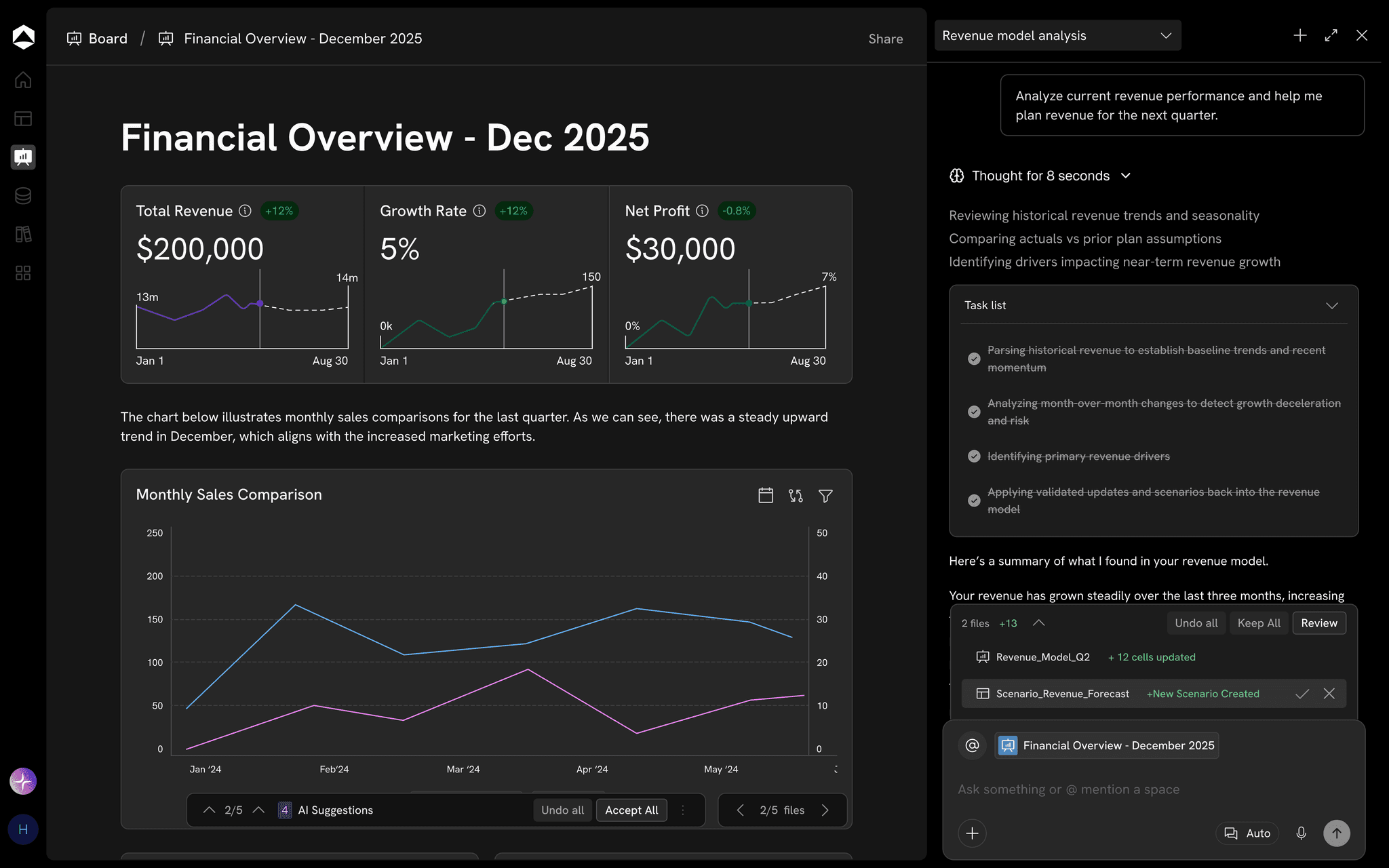
More customers, a larger team, or a different price. See which assumptions create profit before you choose the next move.
The decision behind the work
Explore the decision without losing the starting point.
For Finance and business leaders.
Make the baseline explicit
Start with 2,200 customers, $120 monthly revenue per customer, and $180K operating costs.
Change one decision
Compare a hiring investment with a price change, with the assumptions that stay fixed visible beside each result.
Challenge the trade-off
Test the revenue response and delivery capacity before using the alternative in the plan.
From context to the next move
Put the plan to work.
Keep the inputs, model and review connected around the work in front of you.
Connected inputs
Change a driver, follow the impact
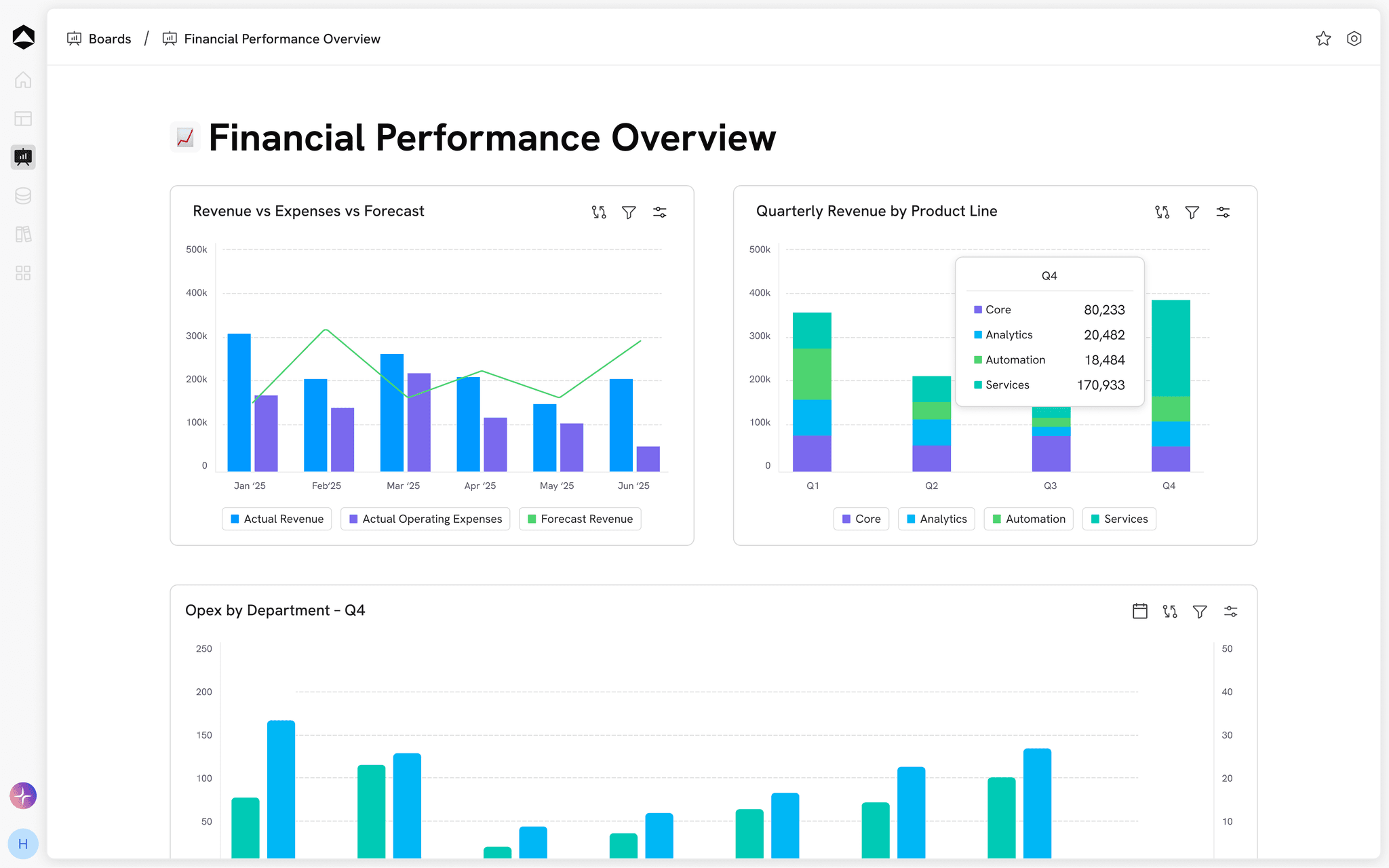
Trace an assumption through the model to revenue, costs, profit, and cash.
Explore connected data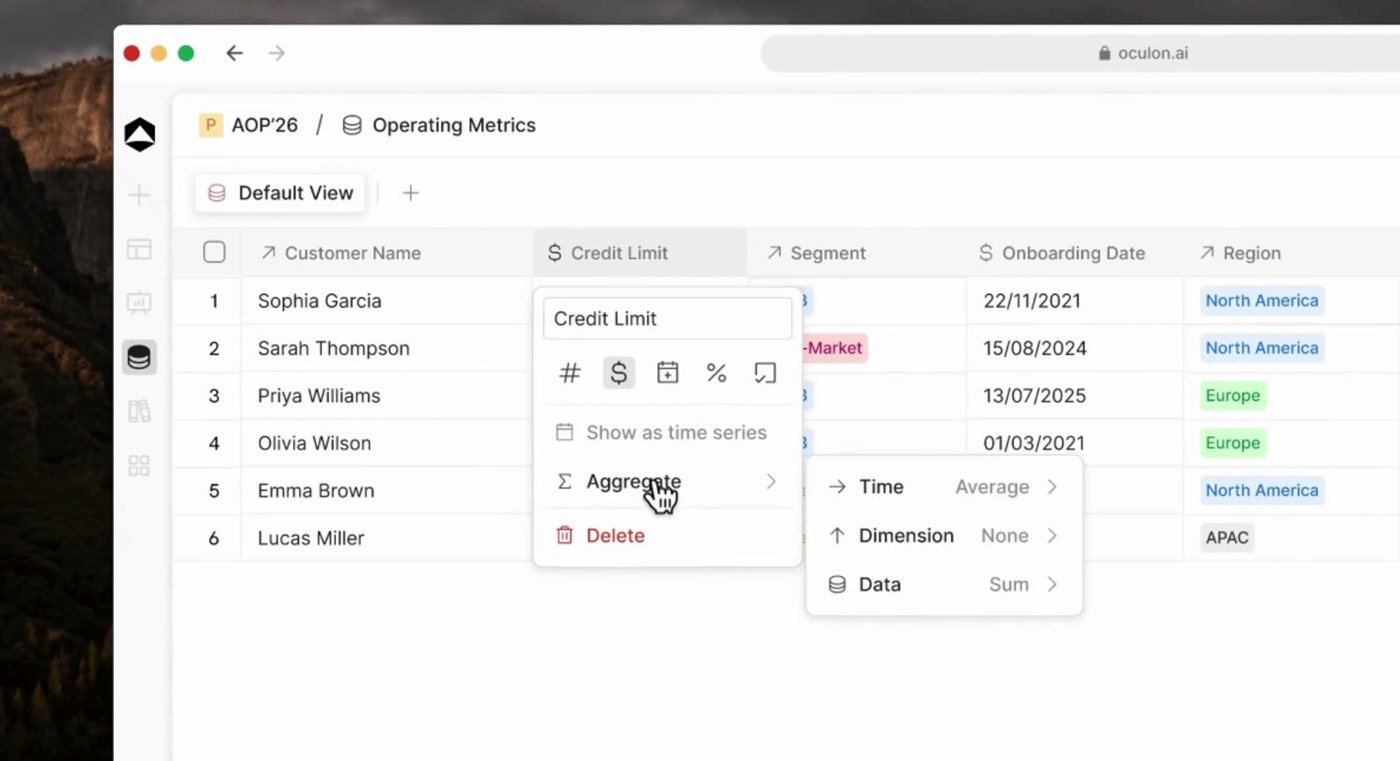
Business drivers
Compare on common ground
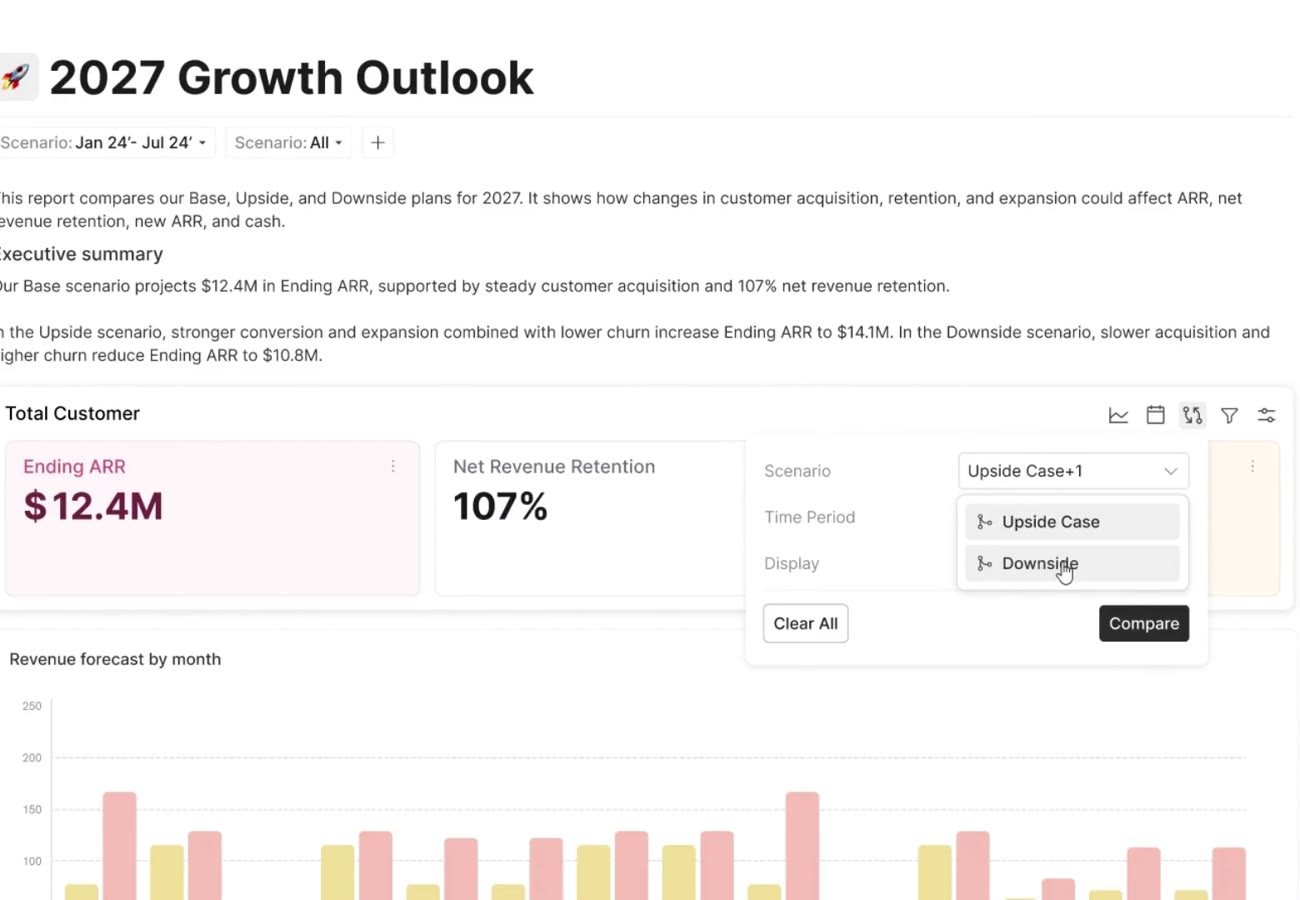
Keep periods and business definitions consistent across the baseline and alternatives.
Explore financial models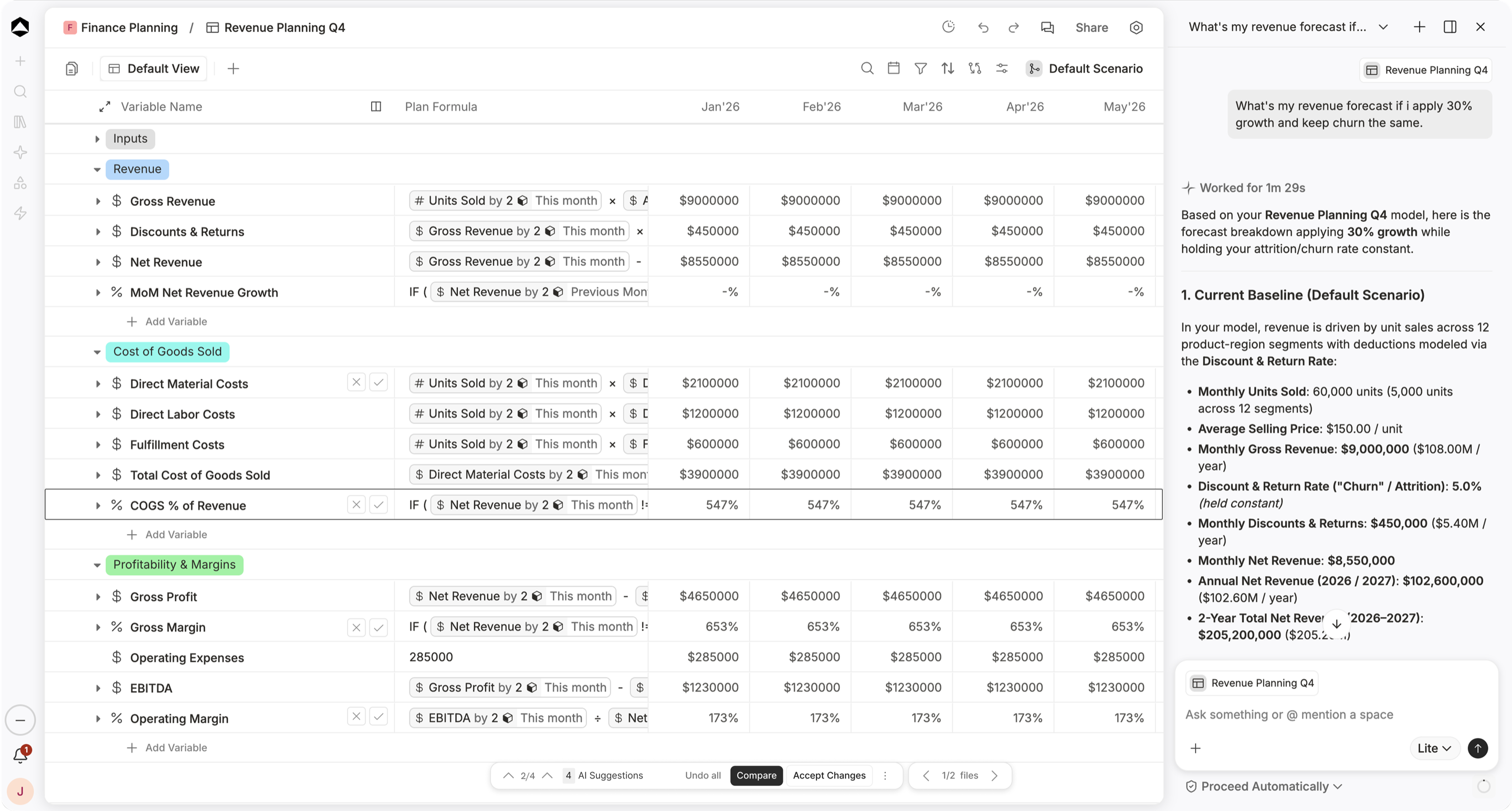
Planning choices
Bring the reasoning into the review
Keep the assumptions behind each alternative visible to the people making the decision.
Explore scenariosShared review
Challenge the trade-off
Choose which driver to challenge next. A scenario is a comparison, not an approved change to the operating plan.
Explore shared boards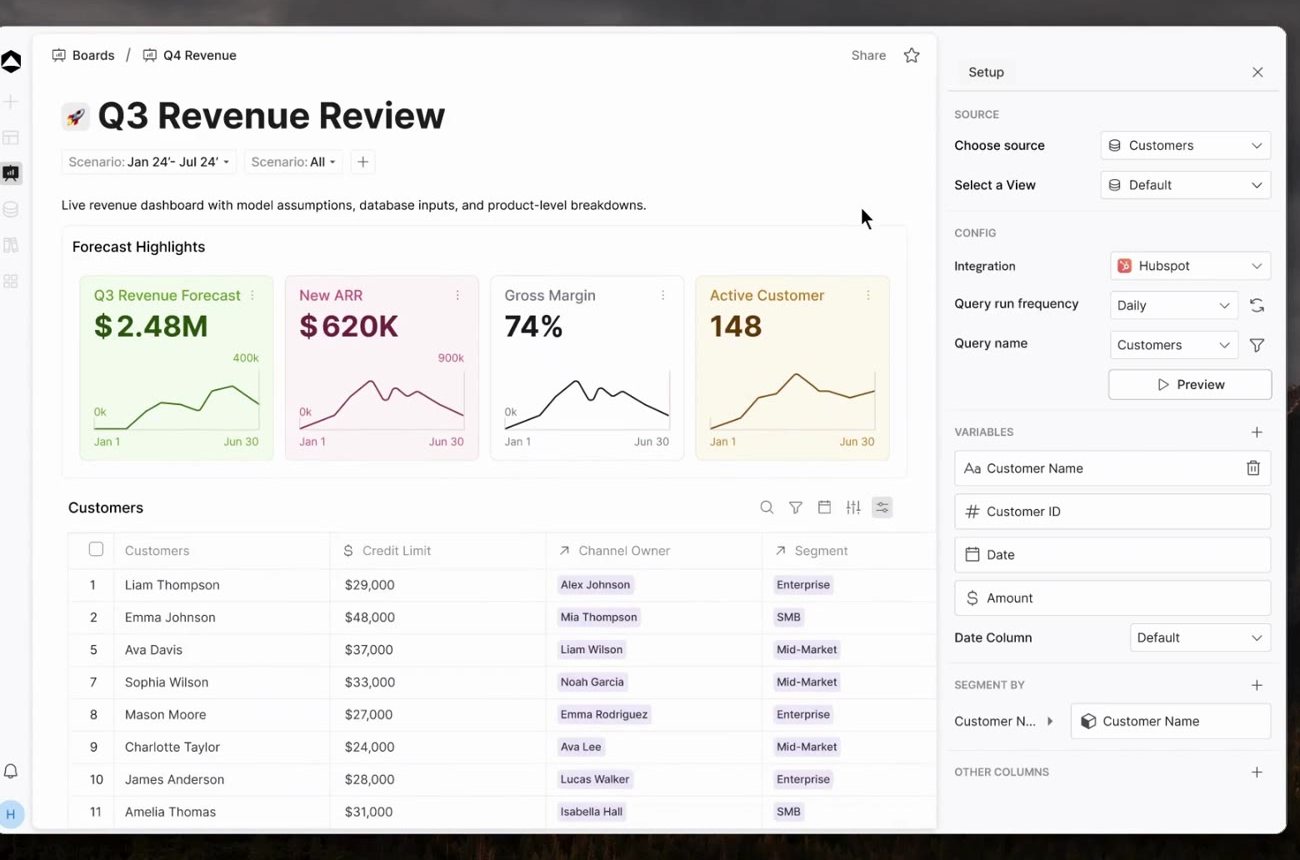
One connected financial picture
Does adding customers cover the cost of three new roles?
Choose which driver to challenge next. A scenario is a comparison, not an approved change to the operating plan.
Explore the growth decision example
Monthly revenue = customers × realized price. Profit = revenue − per-customer direct costs − monthly operating costs.
October 2026 · monthly model · Illustrative dataEXPLORE THE DECISION
Does adding customers cover 3 additional roles?
Monthly operating model
$K · Revenue, direct costs, operating costs, profit200 more customers. 3 roles × $10K / month.
Scroll for the full comparison
Each role costs $10K monthly. The additional 200 customers stay fixed.
Inspect the model inputs5 model lines
| Driver | Base case | Alternative | Context |
|---|---|---|---|
| 2,200 | 2,400 | +200 customers | |
| $120 | $120 | Price held constant | |
| $30 | $30 | Unit cost held constant | |
| $180K | $210K | 3 roles × $10K / month | |
| $18K | $6K | Revenue less all costs |
Scroll to inspect all columns
Price sensitivity holds customer count constant. Churn, discounts, ramp, and rollout timing remain assumptions to test.
A little more context
Questions about Scenario Planning.
Can a stronger growth scenario produce a weaker financial outcome?
Yes. Revenue growth can require additional people, capacity, or working capital. In the team-expansion example, higher monthly revenue comes with greater costs and lower operating profit. Keeping those relationships explicit makes the trade-off easier to review.
Does this comparison assume a price increase has no effect on demand?
Yes. The price example deliberately holds customer count constant to isolate the arithmetic. Demand response, retention, discounts, and rollout timing must be reviewed before adopting the assumption.
What should we agree before comparing plans?
Monthly revenue = customers × realized price. Profit = revenue − per-customer direct costs − monthly operating costs.
Where can we find a starting model?
Explore templates for planning, revenue, cash, headcount and reporting. Adapt the assumptions and structure to your business, and agree access with the people who will review the work.
Explore templates