Every checkpoint
Saved and named
Keep identifiable forecast checkpoints so the April revision and the January budget remain easy to find.
Compare forecast checkpoints, inspect the assumptions that moved and return to an earlier state when you need to understand or undo a decision.
A plan changes many times a quarter. Every version should still be one click away.

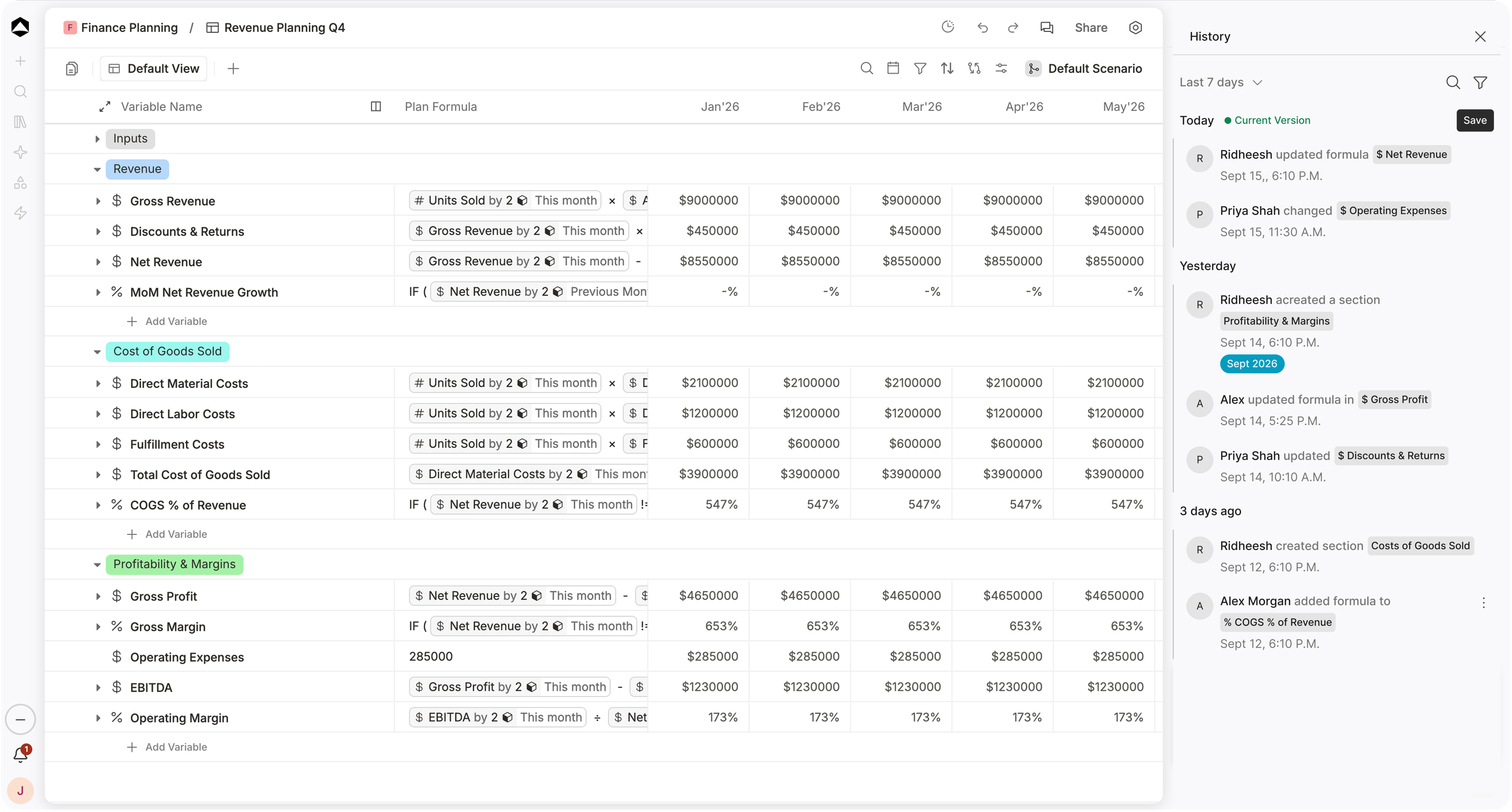
Revenue Planning Q4 in Oculon. Every change stays in History, ready to compare or restore.
A revised forecast is only useful if you can explain how it differs from the one leadership saw last month.
Keep identifiable forecast checkpoints so the April revision and the January budget remain easy to find.
Look at revenue, headcount and runway in January and April without stitching together separate workbooks.
Trace a forecast movement to changed drivers and the periods and dimensions where those edits happened.
Restore a prior state with a clear confirmation rather than reversing dozens of separate changes by hand.
Keep the assumptions and decisions behind a new forecast connected to the version the team will rely on next.
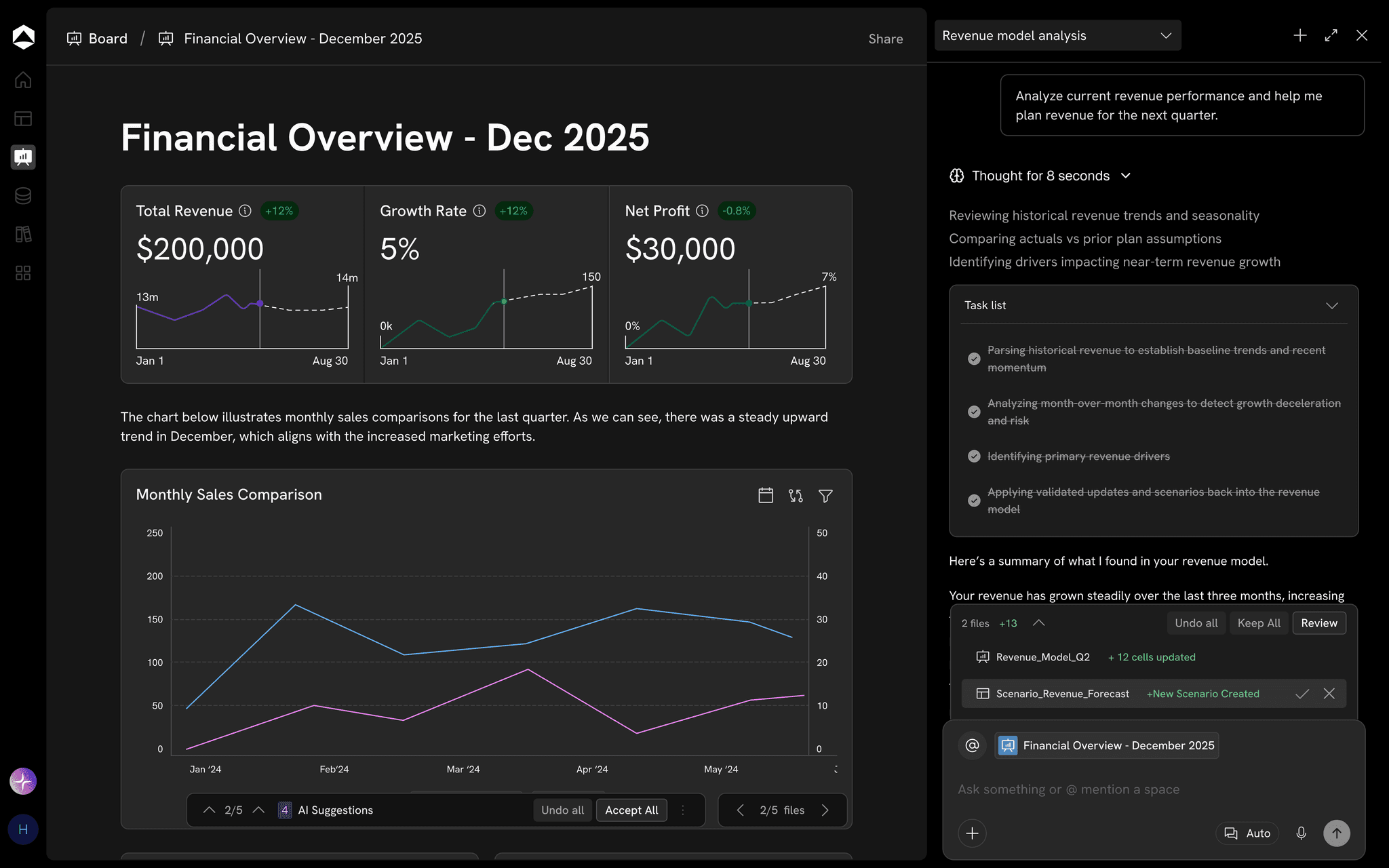
Since the January budget, win rate is the main mover: 24% to 22% takes FY26 revenue from $26.0M to $24.6M, after the price increase.
Three changes explain most of the drift, each named, dated and approved in the version history.
Oculon maintains historical versions and checkpoints of models and plans so important states remain available over time.
Oculon can show changed values, formulas, assumptions, and who made the change.
Yes. Automated checkpoints are part of the versioning system and capture important model states.
Yes. A previous model state can be restored if you need to return to a known working version.