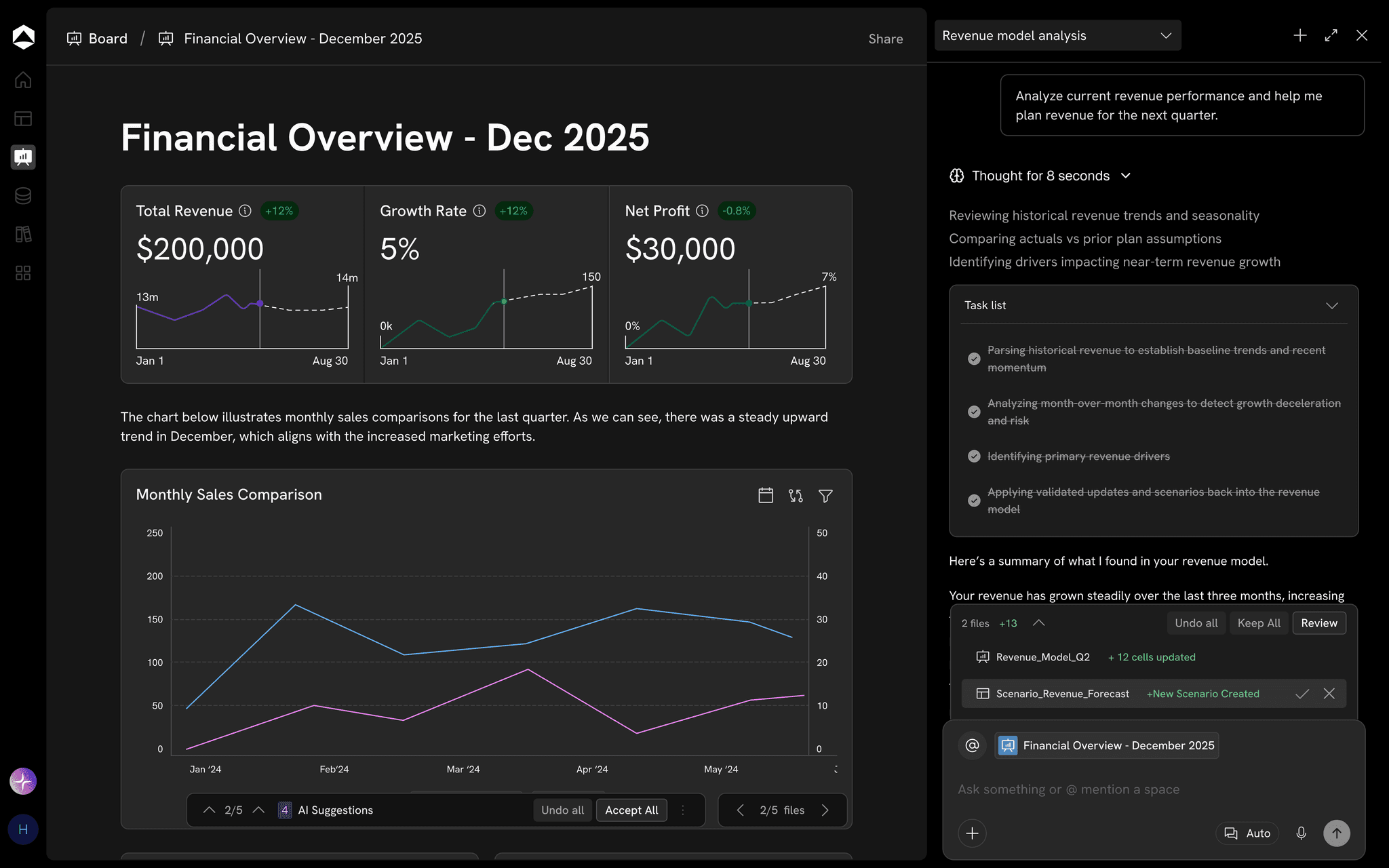
Use cases · Oculon for Headcount Planning
Headcount PlanningPlan the team you can afford to build.
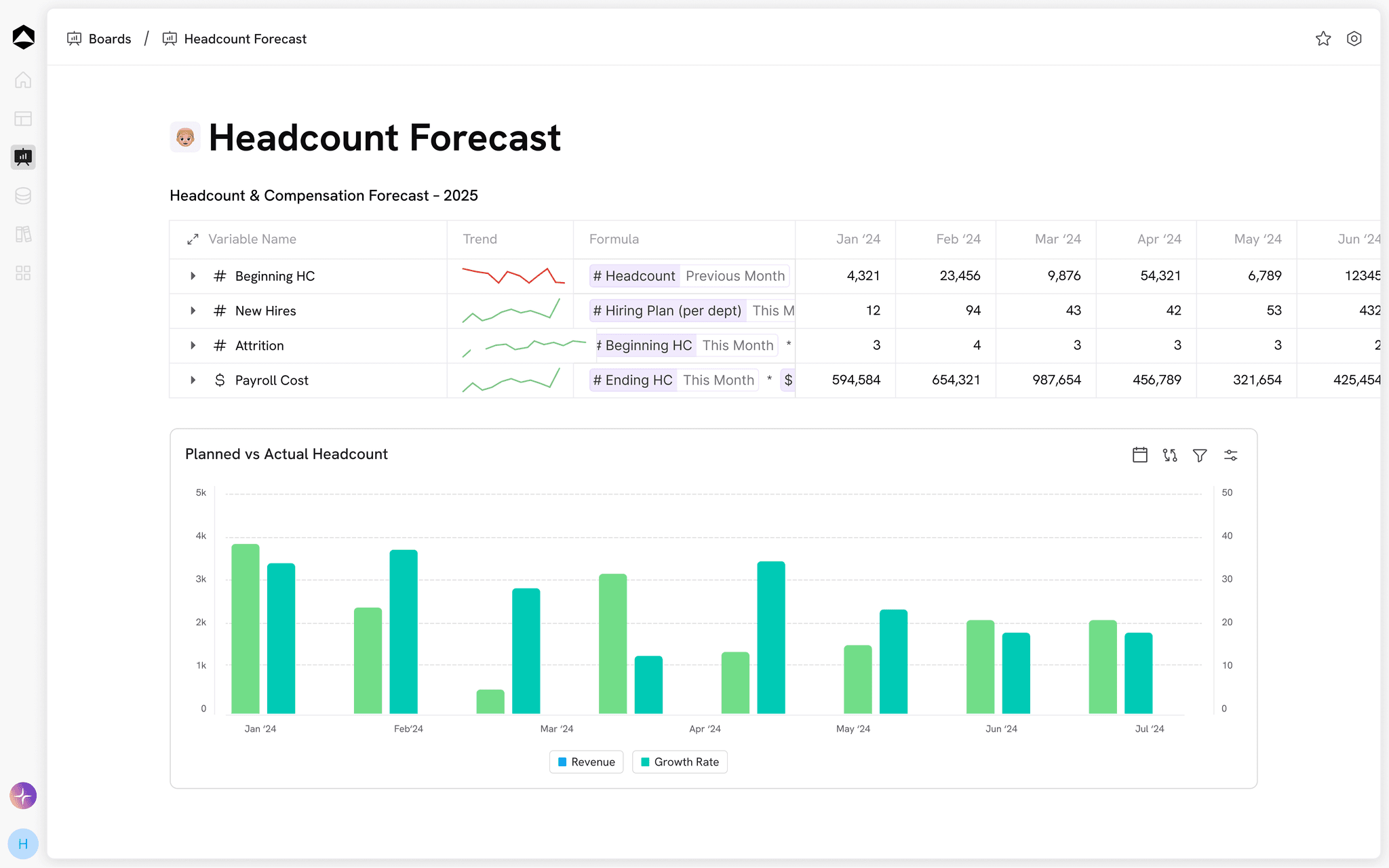
A hire is a start date, a loaded cost, and a commitment. Compare the timing of open roles before the people plan becomes a cash decision.
The decision behind the work
A people plan finance and hiring managers can share.
For Finance and people teams.
Name the open roles
Start with the people required to deliver the plan and the department accountable for each request.
Cost the dates
Show the active months and loaded cost of each role, rather than multiplying year-end headcount by a salary average.
Review the trade-off
Compare the cost reduction with capacity and ramp assumptions before delaying a priority role.
From context to the next move
Put the plan to work.
Keep the inputs, model and review connected around the work in front of you.
Connected inputs
Plan the complete cost
Model salary, benefits, payroll taxes, and ramp assumptions by role and department.
Explore connected data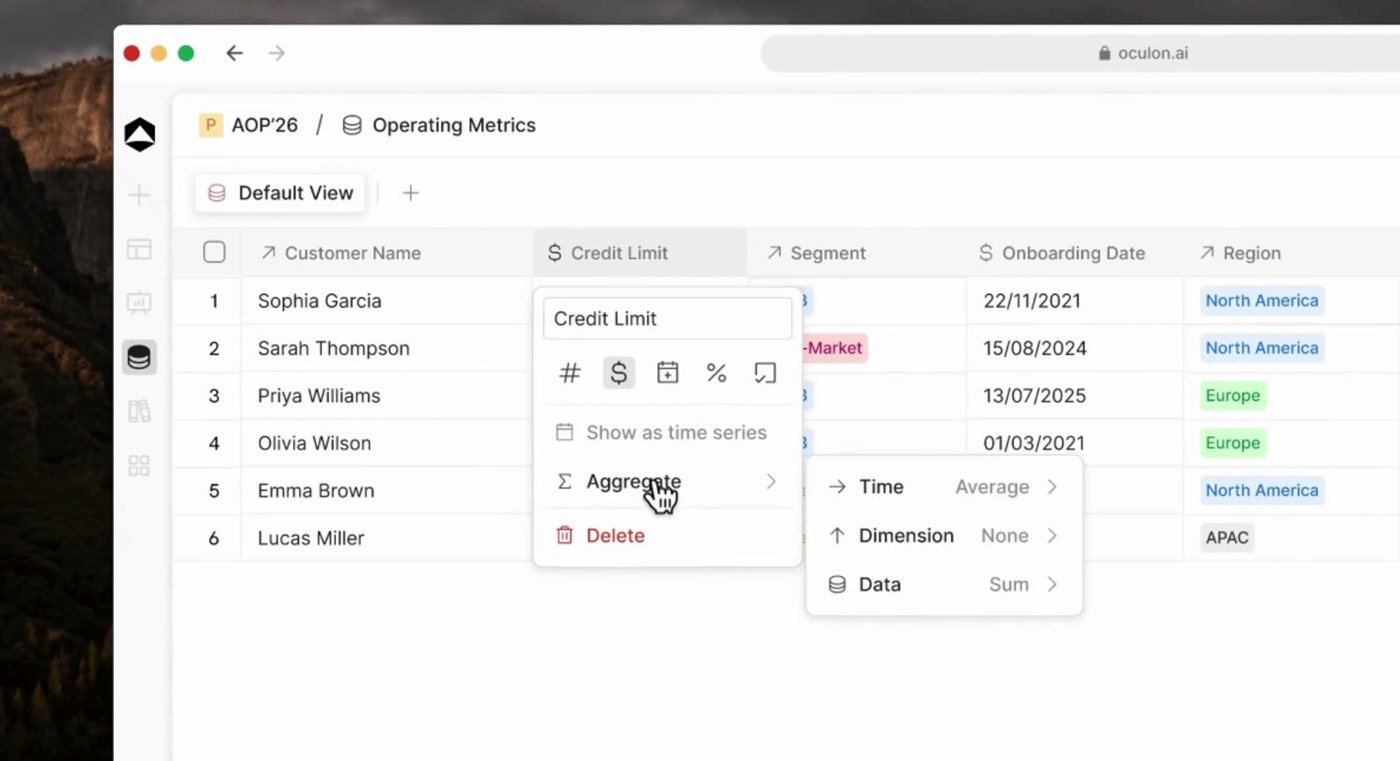
Business drivers
Keep timing in view
Review new hires, backfills, and start-date changes against the approved plan.
Explore financial models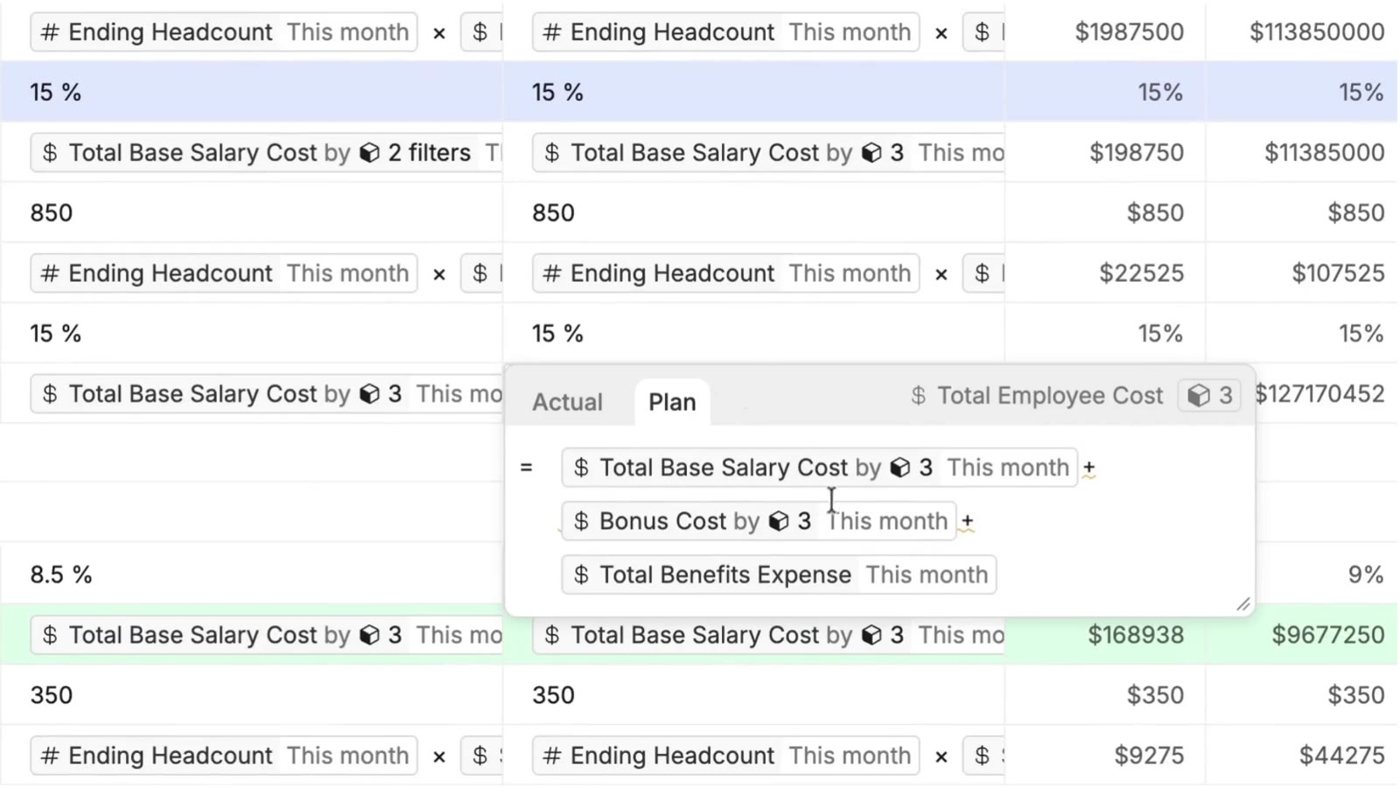
Planning choices
Make sign-off specific
Bring hiring managers into the assumptions they own, with finance keeping the company view.
Explore scenarios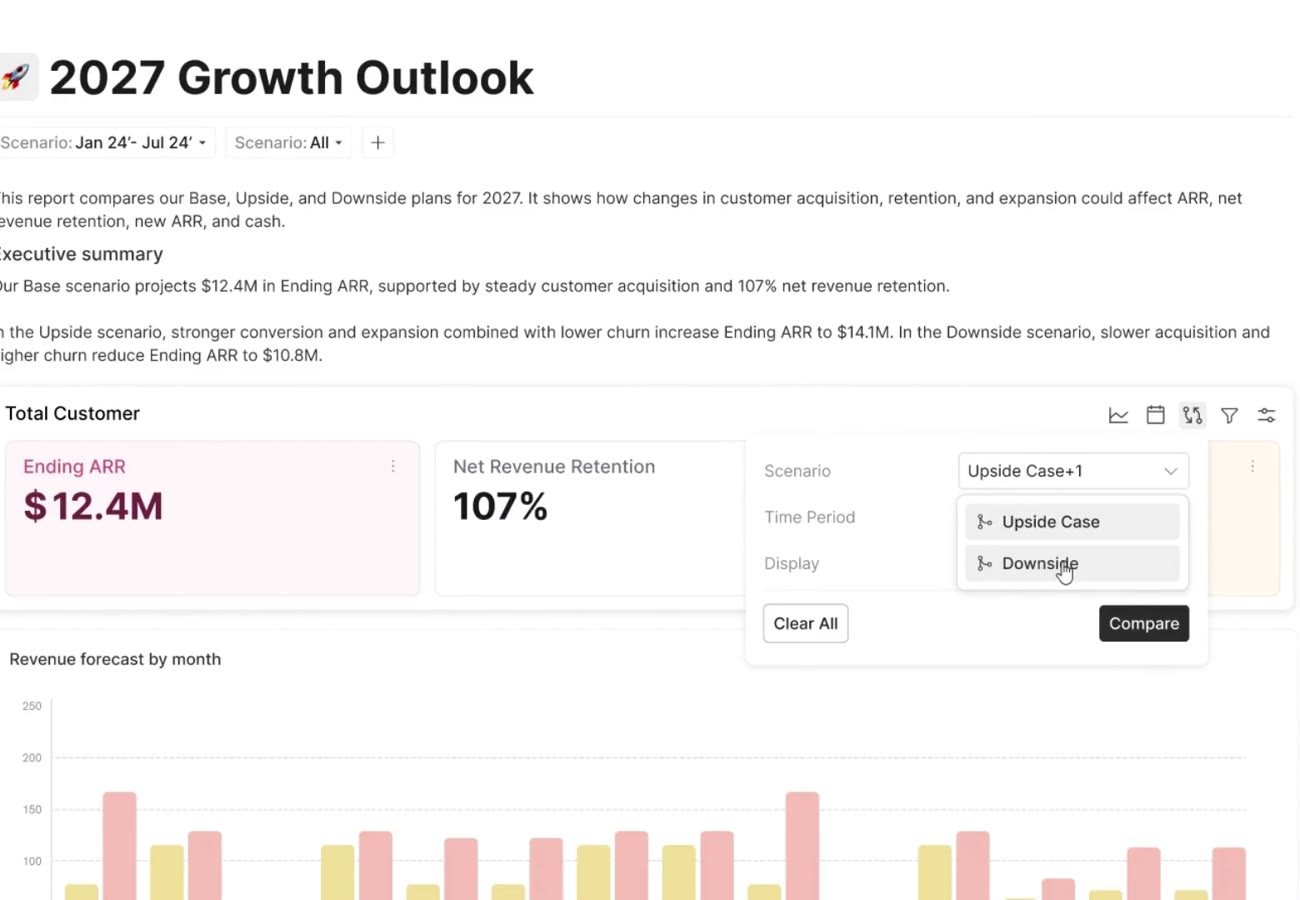
Shared review
Review the trade-off
Review the role priorities and delivery impact with the department leads, then assess payment timing in the cash plan.
Explore shared boards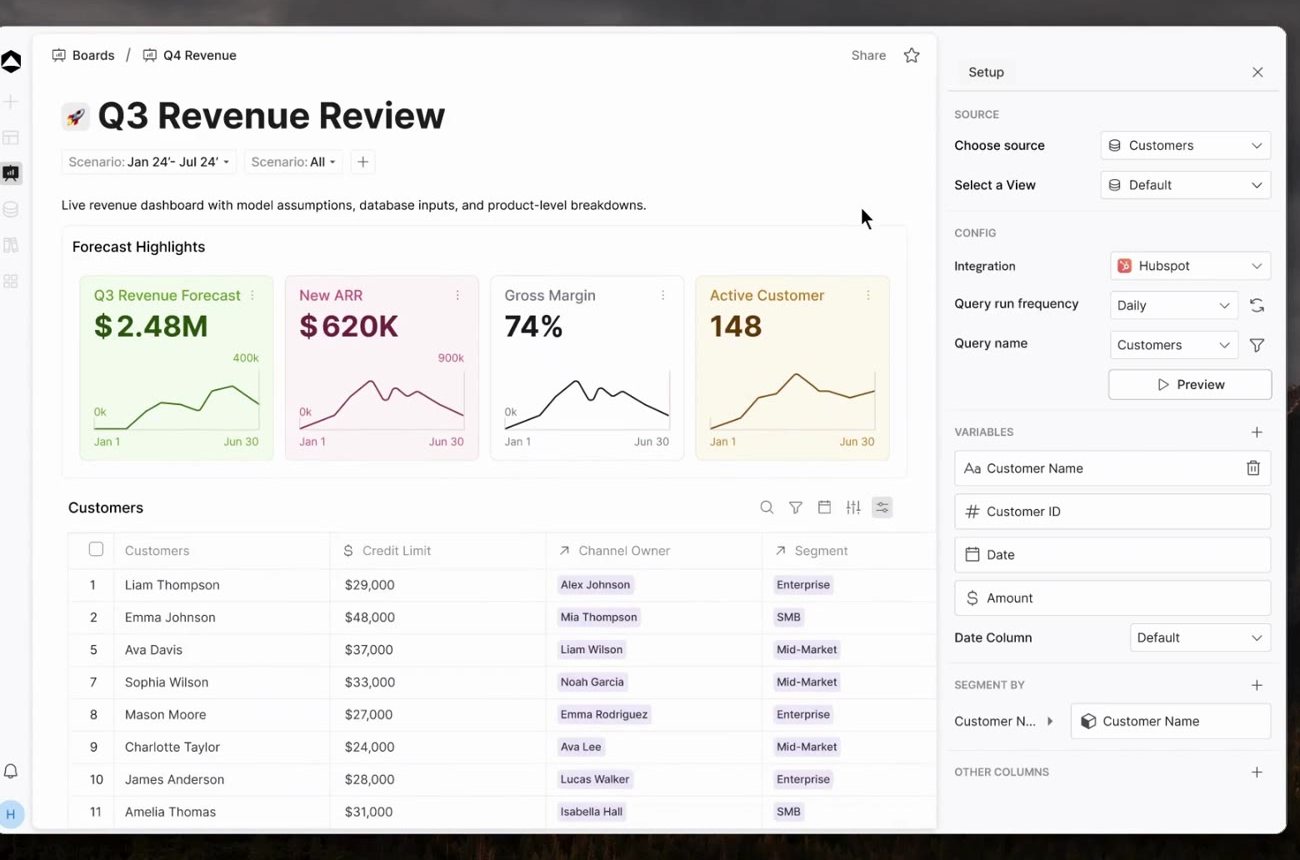
One connected financial picture
What changes if two October hires move to January?
Review the role priorities and delivery impact with the department leads, then assess payment timing in the cash plan.
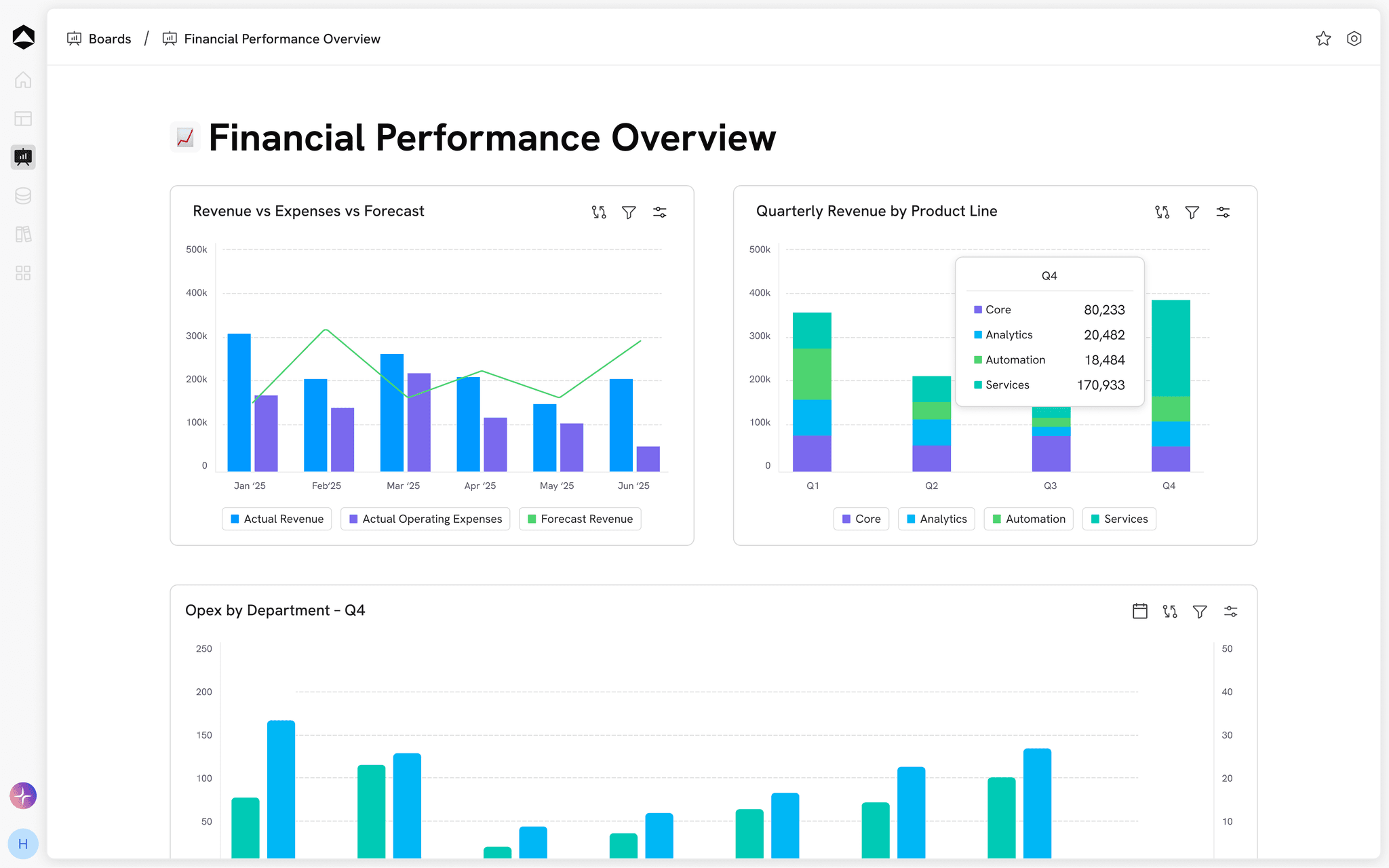
Explore the workforce plan example
Monthly loaded cost = annual loaded cost ÷ 12. Q4 cost = monthly loaded cost × active months in October–December.
Q4 2026 · January 2027 alternative · Illustrative dataEXPLORE THE DECISION
What changes if two October hires move to January?
Hiring timeline
Start monthScroll for the full comparison
Inspect the model inputs4 model lines
| Open role | Start date | Annual loaded cost | Q4 loaded cost |
|---|---|---|---|
| Oct | $168K | $42K | |
| Oct | $144K | $36K | |
| Nov | $132K | $22K | |
| Dec | $108K | $9K |
Scroll to inspect all columns
Loaded costs include salary, benefits, and employer taxes in the illustrative annual amounts. Recruiting fees and revenue ramp are excluded.
A little more context
Questions about Headcount Planning.
How does this differ from an HR roster?
The planning view connects employee and role assumptions to their financial effect. Your HR system can remain the source of employee records; Oculon brings that context into models, scenarios, and reporting.
Is the displayed people cost the entire payroll?
No. This example covers four proposed roles and their Q4 loaded cost. The existing team is 112 people; existing payroll, recruiting fees, and new-hire revenue contribution are outside the comparison.
What should we agree before comparing plans?
Monthly loaded cost = annual loaded cost ÷ 12. Q4 cost = monthly loaded cost × active months in October–December.
Where can we find a starting model?
Explore templates for planning, revenue, cash, headcount and reporting. Adapt the assumptions and structure to your business, and agree access with the people who will review the work.
Explore templates